
Add Services
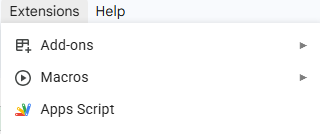
With the sheet opened, navigate to Extensions -> Apps Script to enter the Apps Script environment in a new tab.
At first, we can rename the Script at the top to something like MailingListScript. In order to work with the sheet and be able to send actual emails later, we need to import two services.
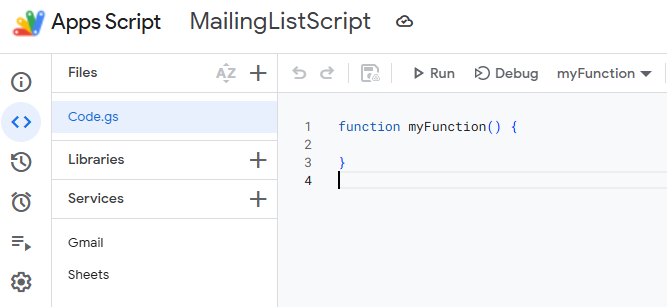
Click on the + symbol after Services. Add both: Gmail API and Google Sheets API from the list. In this example v1 for Gmail and v4 for Sheets have been used.